League Individuals Special Requests
Parks & Rec > League Individuals > Individuals
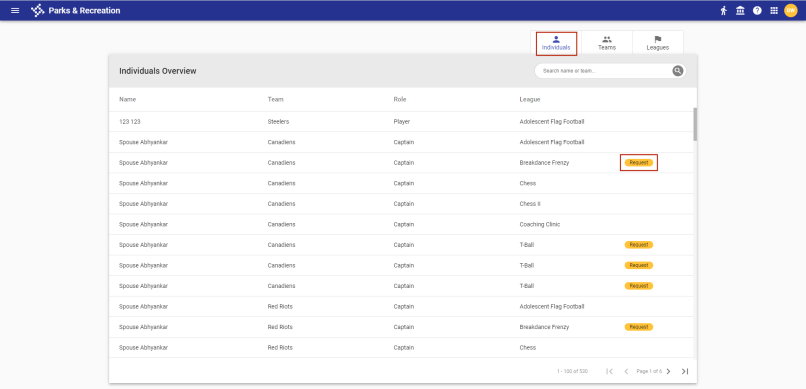
Special requests for individual league registrants may be added and edited from the Individuals Overview page:
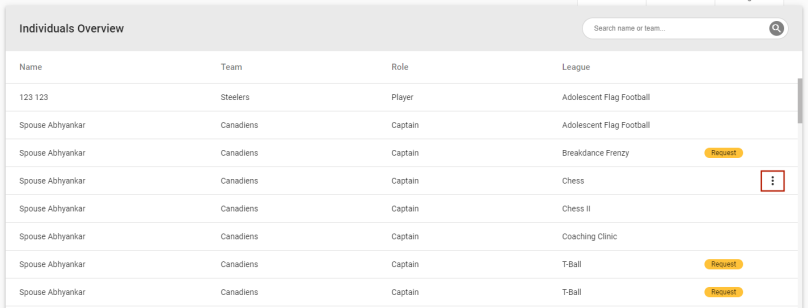
To add a special request for an individual, click the vertical ellipsis  on the far-right side of the individual's row:
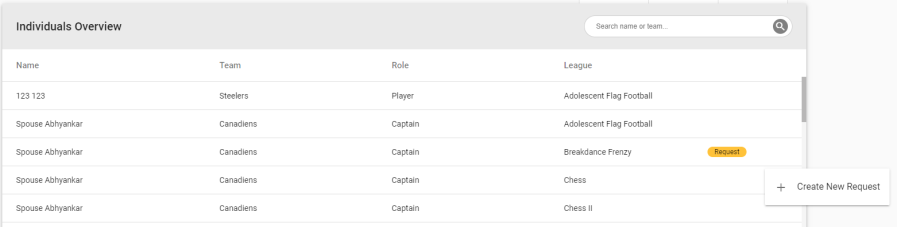
A Create New Request option displays:
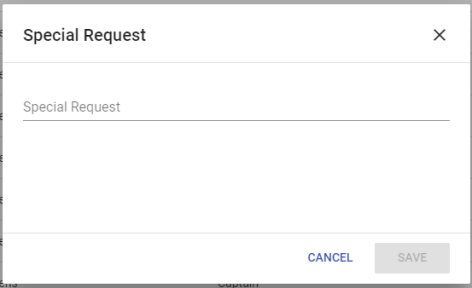
Click the option to open a Special Request dialog:
After you save the request, a gold Request marker  displays on the far-right side of the row to indicate a request is linked to the individual. Hovering over the marker displays the request text:
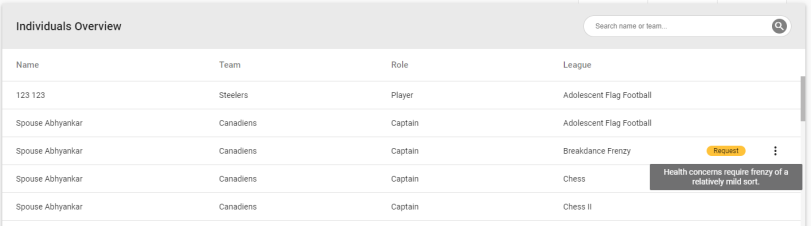
Once a request has been added, clicking the vertical ellipsis displays an Edit Request option:
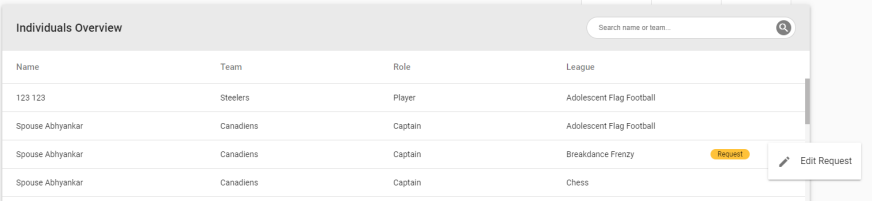
Clicking this option opens the Special Request dialog in edit mode.